Fedora 44 Post-Install Guide

Introduction
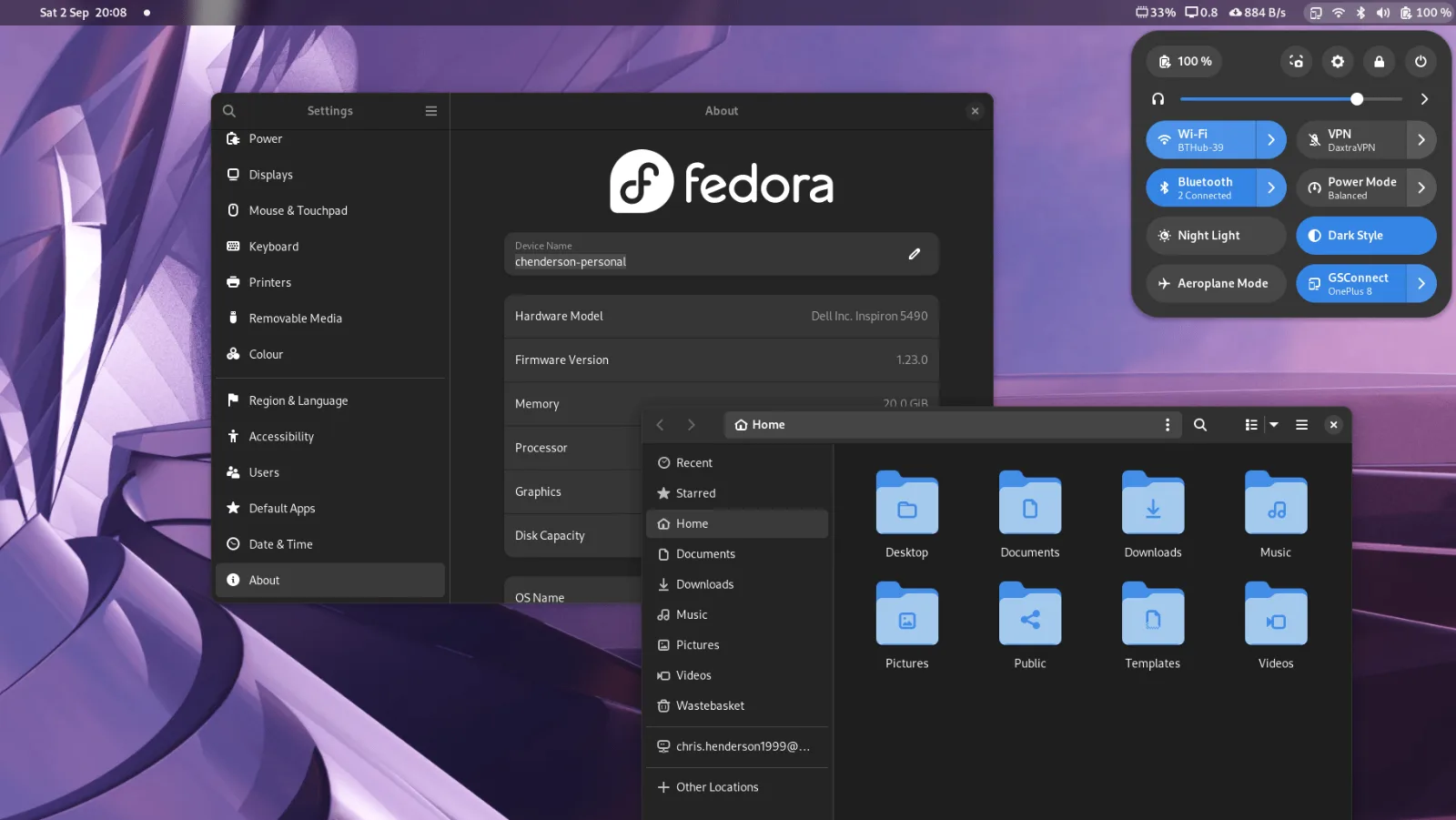
Hi folks. After installing Fedora 44 on my main desktop, I decided to document my full post-install workflow. This guide reflects how I set up both new workstations and rebuilt systems, with a slight focus on homelab usage—but most of it applies to anyone using Fedora as a daily driver.
Tip: If you're new to Linux, consider waiting 1–2 weeks after a major Fedora release before upgrading. Early bugs are usually fixed quickly, and you'll avoid unnecessary troubleshooting.
Why Fedora?
Fedora strikes a balance between cutting-edge and stability:
Latest kernels and packages
Backed by Red Hat engineering
Upstream-first philosophy
Modern GNOME and drivers
No rolling-release maintenance burden
It’s essentially a middle ground between Ubuntu LTS and Arch Linux.
1. Optimize DNF
Edit the DNF configuration:
sudo nano /etc/dnf/dnf.confAdd:
fastestmirror=True
max_parallel_downloads=10
keepcache=True
2. Update the System
sudo dnf -y updateReboot if the kernel was updated.
3. Enable RPM Fusion & Codecs
sudo dnf install \
https://mirrors.rpmfusion.org/free/fedora/rpmfusion-free-release-$(rpm -E %fedora).noarch.rpm \
https://mirrors.rpmfusion.org/nonfree/fedora/rpmfusion-nonfree-release-$(rpm -E %fedora).noarch.rpm
Fix Fedora 44 Repo Bug
sudo dnf repolist --all | grep -i fusionsudo dnf config-manager setopt rpmfusion-free.enabled=1
sudo dnf config-manager setopt rpmfusion-free-updates.enabled=1
sudo dnf config-manager setopt rpmfusion-free-rawhide.enabled=0Replace FFmpeg
sudo dnf swap ffmpeg-free ffmpeg --allowerasing
sudo dnf group upgrade multimedia
sudo dnf group upgrade core
Reboot afterward.
4. Firmware Updates
fwupdmgr refresh --force
fwupdmgr get-devices
fwupdmgr get-updates
fwupdmgr update
5. NVIDIA Drivers (If Applicable)
sudo dnf install akmod-nvidiaFor older GPUs:
sudo dnf install akmod-nvidia-580xxOptional CUDA:
sudo dnf install xorg-x11-drv-nvidia-cudaReboot after modules build.
6. Enable Flatpak (Flathub)
flatpak remote-add --if-not-exists flathub https://dl.flathub.org/repo/flathub.flatpakrepo7. AppImage Support
sudo dnf install fuse-libs
flatpak install it.mijorus.gearlever
8. Install Docker
curl -fsSL https://get.docker.com | sudo sh
sudo systemctl enable --now docker
sudo usermod -aG docker $USER
Apply group changes:
newgrp dockerTest:
docker run hello-world9. SSH Setup
ssh-keygen -t ed25519 -C "your_email@example.com"
eval "$(ssh-agent -s)"
ssh-add ~/.ssh/id_ed25519ssh-copy-id user@your-vps-ipOptional config:
nano ~/.ssh/configHost myvps
HostName your-vps-ip
User youruser
IdentityFile ~/.ssh/id_ed2551910. Developer Essentials
Install development tools:
sudo dnf groupinstall "Development Tools"Common utilities:
sudo dnf install git curl wget gcc makeNode.js:
sudo dnf install nodejs npm11. Python Environment Setup
sudo dnf install python3 python3-pip python3-venvCreate virtual environment:
python3 -m venv venv
source venv/bin/activate
12. Microsoft Fonts
sudo dnf install curl cabextract xorg-x11-font-utils
sudo rpm -i https://downloads.sourceforge.net/corefonts/msttcorefonts-2.0-1.noarch.rpm
13. GNOME Tweaks & Extensions
You would like tweak Gnome, because you are power user.
sudo dnf install gnome-tweaksflatpak install flathub com.mattjakeman.ExtensionManagerRecommended Extensions
Blur My Shell
AppIndicator Support
Dash to Dock / Panel
Clipboard Indicator
Caffeine
14. Troubleshooting
Bluetooth Not Detected
sudo dnf reinstall bluez bluez-libsReboot afterward.
GNOME Apps Breaking After FFmpeg Swap
Solution: Reboot.
Final Thoughts
This setup provides a fast, stable, and fully functional Fedora 44 system tailored for both general use and development workflows.
It's your own system bro, customize it based on your needs and workflow.